Self-Hosting: Jellyfin
Good evening, dear reader.
This is the second part, if you can call it that, to my self-hosting series. As a quick rundown, in the last post I covered my journey from before I ever got the idea of self-hosting till the part I bought a thin-client and hosted Immich as my cloud server for my photos and videos. I would highly recommend reading that blog before this one so you get the idea of where we left off, though it isn't strictly necessary.
In this blog I will cover how I thought, and eventually decided to, self-host a media server, that being Jellyfin.
This all starts the same day I got done with getting the Immich container running. After getting the service up and downloading the app to transfer all the photos and videos to my server, I got the idea to self-host a media service as well. I wasn't too confident in the capabilities of the S720 (my home-lab) at first, mainly due to the fact that it is quite an underpowered device with, at the time, only 4GB of RAM to spare.
Due to having heard about Jellyfin a lot from the self-hosting community, and in general, I had some knowledge of it and knew it wasn't a lightweight service to run. I had to rethink my decision a few times, especially because Immich itself is a pretty heavy and taxing service.
After thinking about it for a while, I ran the container. This was mainly due to 3 reasons:
- I have a couple of movies I like to rewatch from time to time and it gets kind of annoying to go to a site (ahem). This led me to think about it in a perspective where I am saving my time and getting an easy access to those movies.
- I decided to put forth a condition for myself, which was that I would host only those movies which I knew either my sister or I would rewatch from time to time. This was done so that the storage is not easily eaten up by just movies.
- I just love the movie too much and put it on a pedestal, not caring whether I would or wouldn't ever re-watch it again.
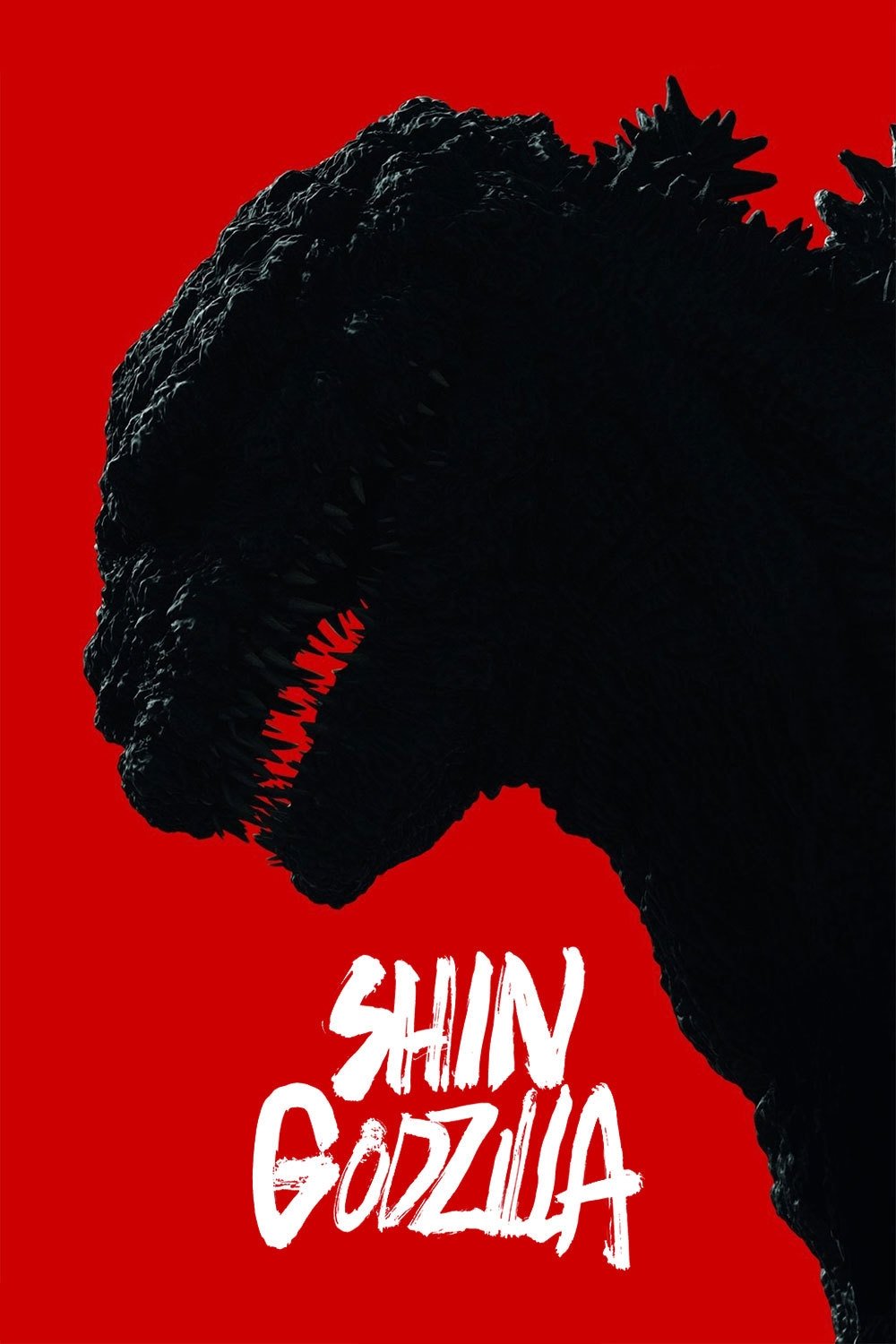
So, with those 3 golden rules, I made a list of movies to host. It wasn't too difficult to think about which movies I wanted, especially considering that I knew which two movies I re-watch the most. Those being Shin Godzilla and Silent Hill.

Even though Silent Hill has a pretty bad reputation in the fandom, I just LOVE that movie. Funny thing is that when I watched it for the first time, it was on my PSP 3000... in 2023... (If I recall correctly). I think the reason I did that was because I found the PSP version of the movie somewhere and thought it would be pretty cool. I don't know if this makes it any better, but I used a Bluetooth speaker for the audio because the PSP was too quiet.
As for Shin Godzilla, that movie is just PEAK. It has such a great concept and is a really interesting take on the Kaiju. It was the first Japanese Godzilla film I watched and instantly fell in love with it. The design, the human characters, the plot, all of it is just great. Some people may not like it because it focuses on the human characters and politics, but I really like the way it is all portrayed. Shin itself is of course terrifying and awesome; the scene where it used its atomic breath for the first time was just horrific.
Now, getting back to the point, setting up Jellyfin was not as difficult as I thought it would be, mainly because the only experience I had was with Immich, which took me a while to understand.
To be honest, the only time I had a problem was trying to understand the path assignment of the folders, which does sound quite embarrassing now that I think about it. I also put some shows on the NAS, which brought a bit more confusion along with it.
The structure and naming of the folders are a really important thing to keep in mind when using Jellyfin due to that being a key way that the service pulls the header, background, and poster image for the movie that is in the specific folder.
So, if you want Jellyfin to correctly label and pull the images for a movie, instead of just throwing that movie's file into a random folder, you will have to rename the folder to match the movie title and release year.
For example, if you want it to pull the correct metadata for the classic:
"The Good, the Bad and the Ugly"
you will need to change the folder name of the movie into:
"The Good, the Bad and the Ugly (1966)"
This ensures a perfect match with the databases used to pull the metadata.
For series/shows which have different seasons, the method is similar but you need to put each season into its individual folder and then put that into the main folder with the correct name and release year. Each episode has to be labelled accordingly as well.
Let's use Breaking Bad as an example:
"Breaking Bad (2008)"
- Season 01
- S01E01.mkv
- Season 02
- Season 03
This part had me a bit confused at first, which did create some duplications in the seasons and wrong episode numbers. But after I learned the proper naming convention, it was as smooth as butter.
That is about it for the experience of setting up and using Jellyfin thus far. I did try to use it as a music service as well, but we will talk more about that in the next blog. It was truly exciting to set it up and get all the movies instantly-no subscription, no ads, and no buffer!
Thank you for reading this blog and I hope you enjoyed it.